Scan
AI Receipt Scanner
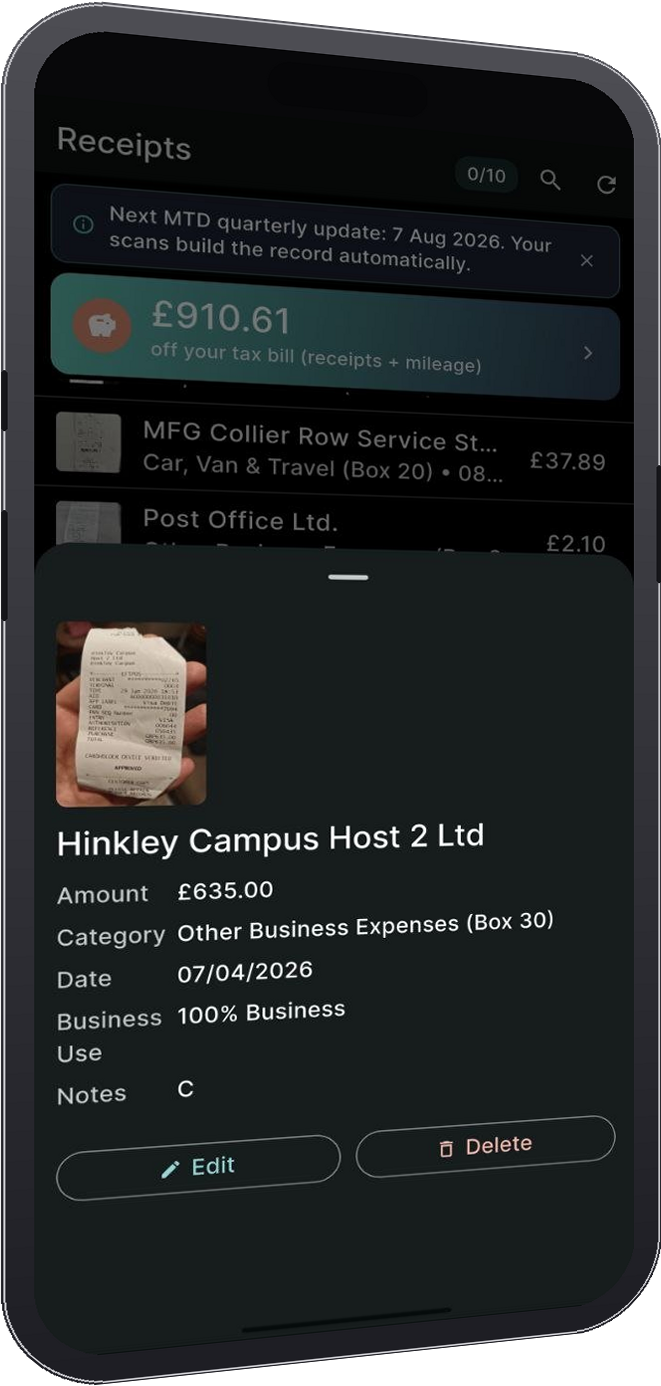
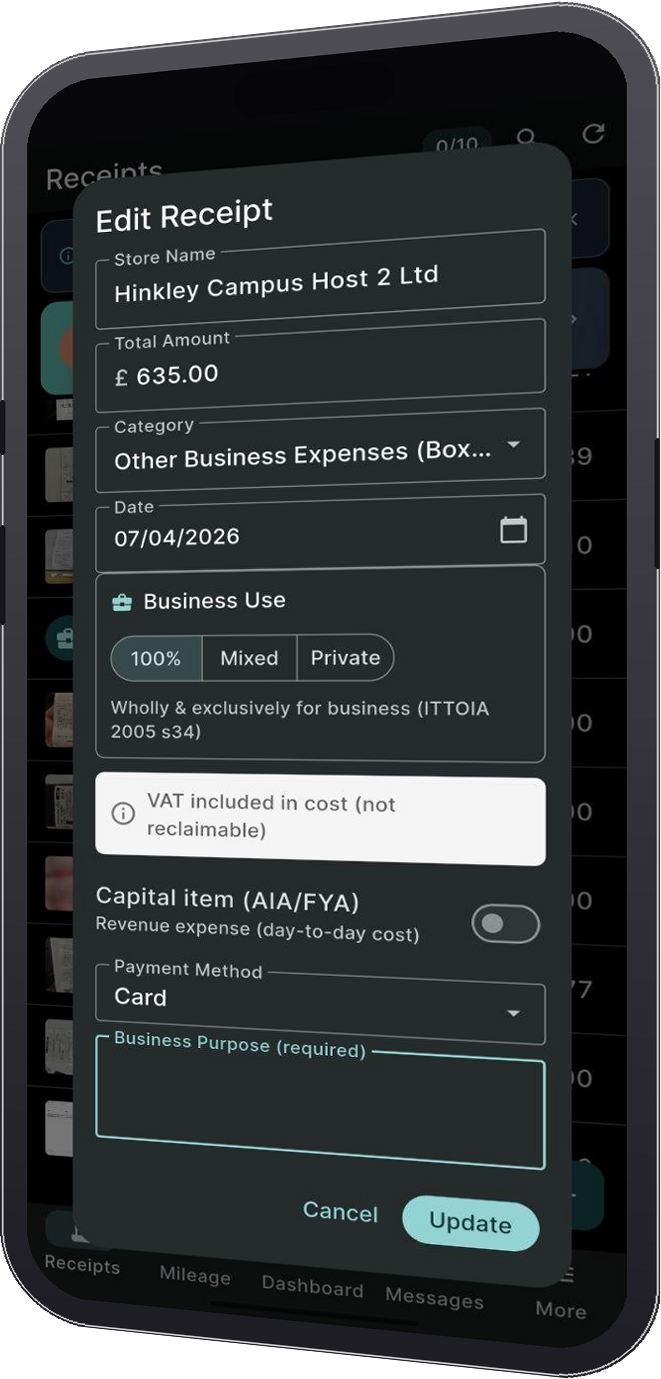
Point, snap, done. AI extracts store, total, date, VAT, and category. Smart warnings flag duplicates and capital items.
Are you ready for Making Tax Digital?
From April 2026, eligible sole traders with qualifying income over £50,000 must send quarterly updates under Making Tax Digital for Income Tax, alongside their annual tax return. That is your gross self-employment and rental income before expenses, not your profit, as shown on your previous tax return. From April 2027 it extends to turnover over £30,000, and from April 2028 to turnover over £20,000. PocketReceipt keeps every receipt, mileage trip and CIS payment quarter-ready, so each quarterly update takes minutes, not days. Free on iOS and Android.
PocketReceipt helps organise your records; it does not submit MTD updates or tax returns to HMRC.
How can we help?
Scan receipts, log mileage, categorise expenses, and export organised reports, all from your phone.
How It Works · Three steps to organised records
Features
Scan
Point, snap, done. AI extracts store, total, date, VAT, and category. Smart warnings flag duplicates and capital items.
Track
GPS or manual entry. 2026/27 HMRC mileage rates worked out for you. Track per vehicle on either the simplified mileage or actual-cost method.
CIS
Construction Industry Scheme built in. Track CIS payments, deductions (20%/30%/gross), and the balance against your tax bill.
VAT
VAT receipt confirmation, Standard and Flat Rate schemes, quarterly period locking, and a tax forecast with current rates.
Checks
Duplicate detection, capital item flags, VAT verification, and 11 built-in checks that catch problems before your accountant does.
Export
Export categorised reports for your accountant or Self Assessment. SA103F box mapping, quarterly breakdown, digital link headers.
Invoice
Create branded invoices with your numbering and bank details, export them as PDF, add a pay-online link, and see what is paid and what is outstanding.
Import
Receipts that arrive as a PDF, from email or a supplier portal, go through the same AI scan as a photo. A rejected file never uses a scan.
Quarters
Records grouped into the four Making Tax Digital quarters, a quarter review in HMRC format, and warnings before a quarter closes with gaps.
Accountant
Link your accountant. They review your quarter in the Accountant Dashboard, request corrections or documents, and message you inside the app.
Income
Log income next to expenses, by tax year or by quarter, and watch a running forecast of your tax bill at current rates.
Backup
Cloud backup of your records on paid plans, with receipt images on Professional or with the Storage Pack, and restore onto a new phone.
Built for your trade
HMRC categories · SA103F boxes 17 to 30
The scanner reads each receipt and files it under one of the 14 Self Assessment expense categories on form SA103F. You can change the category with a tap.
What users say
"I used to keep receipts in a carrier bag. Now I scan them on the spot and everything's categorised. My accountant actually thanked me."
"The mileage tracker alone saves me hours at tax time. I drive to clients all week, now I just log each trip and export the year."
"I used to spend the first week of January chasing receipts and bank statements. Now I open the dashboard and everything's there."
UK Tax Guides
Understand the basics of HMRC record keeping, expenses, VAT, and mileage claims.
HMRC Essentials
What HMRC expects, how to store records, and what happens if you don't keep them.
Read guideExpenses
The "wholly and exclusively" rule explained. Which expenses reduce your tax bill.
Read guideVAT
Registration threshold, Flat Rate Scheme, valid VAT receipts, and Making Tax Digital.
Read guideTravel
Approved rates for cars, vans, motorcycles, and bicycles. How to keep a proper mileage log.
Read guideThe key principle: HMRC expects all self-employed individuals to keep business records. Retention periods vary, check GOV.UK for current guidance relevant to your tax situation.
HMRC can open an enquiry at any point within the statutory window, you need evidence for every figure. No records means no defence. Under Taxes Management Act 1970 (Section 12B), the penalty for failure can be up to £3,000 per tax year.
HMRC generally requires records to be kept for several years after the relevant Self Assessment deadline. The exact period can depend on the type of record, VAT status, and whether an enquiry is open. Check GOV.UK for current guidance.
Important: If HMRC has opened an enquiry, do not destroy any records until it is formally closed.
HMRC allows records to be kept digitally. Keep a clear, complete and readable digital copy of each supporting document for as long as the relevant record-keeping rules require.
Sources: TMA 1970 s.12B · BIM42110-42165 · ITTOIA 2005 s.31
The test: An expense is allowable if incurred "wholly and exclusively" for business. Dual-purpose items, only the business portion.
Stationery, printer ink, accessories, postage, tools under £1,000. Home office flat-rate: £10/month (25-50 hrs), £18 (51-100 hrs), £26 (101+ hrs).
Business mileage at HMRC rates, parking, train/bus, tolls. Not your daily commute.
Mileage rates: Cars/vans: 55p (first 10,000), then 25p. Motorcycles: 24p. Bicycles: 20p.
Only distinctly work clothing, branded uniforms, safety boots, PPE. Not everyday clothes.
Wages, employer NI, pensions, subcontractor payments (CIS).
Raw materials, goods for resale, packaging, building materials.
Accountant fees, business insurance, trade body memberships, bank charges.
Rent, rates, utilities, cleaning, property insurance.
Website hosting, domains, advertising, business cards, signage, trade shows.
Courses updating existing skills. Not courses for a completely different profession.
Sources: ITTOIA 2005 · BIM35000-47000 · EIM31240-31350 · HS222
Must you register? Yes, if taxable turnover exceeds £90,000 in any rolling 12-month period (increased from £85,000 in April 2024).
Charge VAT on sales (output), reclaim on purchases (input), pay the difference quarterly. Standard: 20%. Reduced: 5%. Some items zero-rated or exempt.
Below threshold? Can still register. Good if customers are VAT-registered businesses. Less useful selling to consumers, prices effectively rise 20%.
Under £150k turnover. Pay fixed % of gross: IT consultancy 14.5%, hairdressing 13%, construction 9.5%, retail 7.5%.
Limited cost trader: Goods purchases under 2% of turnover or under £1,000/year → flat rate becomes 16.5%. Most service businesses fall here.
Must show: supplier name, address, VAT number; date; description; amounts excl/incl VAT; VAT rate. Under £250: simplified invoice is fine.
VAT returns must be submitted digitally via MTD software. PocketReceipt keeps your expense records organised for export into compatible accounting or MTD software. It does not submit MTD updates or tax returns to HMRC.
Sources: VAT Act 1994 · VAT Notice 700 · VAT Notice 733 · Finance Act 2024
Quick answer: 55p/mile for first 10,000 business miles, then 25p. Keep a mileage log.
Same rates for electric vehicles. The 55p rate started on 6 April 2026; before that it was 45p, and it hadn't moved since 2011.
Not claimable: Daily commute to your fixed workplace. Home → permanent office = commuting.
Pick one method per vehicle, you must stick with it for the life of that vehicle in your business.
12,000 miles: 10,000 × 55p + 2,000 × 25p = £6,000 deduction. At 20% tax = £1,200 saved. At 40% = £2,400.
Sources: EIM31240-31350 · ITEPA 2003 s.229-236 · HMRC Advisory Fuel Rates
FAQ
Yes. The free plan gives you 10 AI receipt scans per month, mileage tracking, smart warnings, and a tax forecast. New accounts begin with a 7-day Professional trial, 400 monthly scans, accountant-ready exports, and image backup. Professional continues at £7.99/month after the trial. Available in the App Store and Google Play.
Yes. HMRC confirms digital copies are acceptable as business records, provided they're clear and show the date, supplier, amount, and VAT. That's exactly what PocketReceipt creates.
Your data is stored locally on your device by default. Cloud backup is linked to your authenticated account and stored securely, only you can access it. We don't sell data or share it with third parties. See our Privacy Policy.
No. PocketReceipt is a record-keeping and export tool, not an HMRC service. It produces organised reports (CSV/PDF) that you or your accountant use when preparing your Self Assessment return.
Yes. The dashboard exports receipts and mileage formatted for 10 platforms: Xero, FreeAgent, QuickBooks, Sage, KashFlow, Clear Books, IRIS, Zoho Books, Wave, and QuickFile. Generic CSV and PDF reports also available.
Yes. If you're an accountant managing sole trader clients, the PocketReceipt Dashboard lets you review quarterly records, request corrections, and export to 10 accounting platforms. There is no charge for accountants; clients connect you from the app on a paid Professional plan. How it works for accountants.
PocketReceipt is a record-keeping and export tool. It is not an HMRC service and does not submit returns to HMRC.